
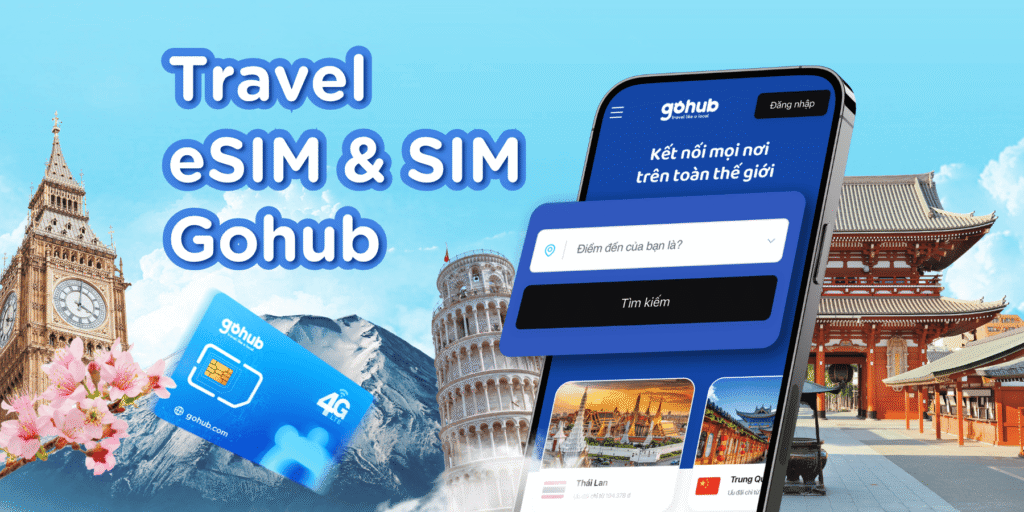
One of the best things about using an eSIM for Thailand is that you can be connected to the internet the moment you land — no need to find a SIM card shop or swap your physical SIM.
In this quick guide, we’ll show you how to set up your Thailand eSIM in just 3 easy steps, whether you’re using an iPhone, Android, or another compatible device.
Before buying an eSIM, make sure your device supports it.
Popular eSIM-compatible devices include:
Apple: iPhone XR and newer, iPad Pro (3rd gen and later)
Google: Pixel 4 and newer
Samsung: Galaxy S20 series and newer
Others: Select Huawei, Oppo, Xiaomi flagship models
Tip: Check in your device’s settings:
On iPhone: Settings > Cellular > Add Cellular Plan
On Android: Settings > Connections > SIM Manager
You can buy your eSIM online from a trusted travel SIM provider before your trip.
Once purchased, you’ll receive:
A QR code for installation
Activation instructions
Details of your data plan
Go to Settings > Cellular > Add Cellular Plan
Scan the QR code you received
Follow on-screen instructions and label your new plan (e.g., “Thailand eSIM”)
Turn on Data Roaming for the eSIM
Go to Settings > Connections > SIM Manager
Select Add Mobile Plan
Scan the QR code
Enable Data Roaming for the eSIM
Pro Tip: Always install your eSIM in a place with a strong Wi-Fi connection to ensure a smooth setup.
No Signal? Make sure Data Roaming is ON and restart your phone.
Slow Internet? Switch between available networks in your settings.
Installation Error? Contact your provider’s customer support — many offer 24/7 help.
Instant activation upon arrival
No need to remove your home SIM card
Easy to top-up online if you need more data
Works with multiple Thai networks for better coverage
Setting up your Thailand eSIM is quick and hassle-free. In just three steps, you can enjoy fast, reliable internet during your trip — perfect for navigation, translations, and sharing your adventures instantly.
Gohub is a trusted travel eSIM provider, offering instant connectivity in 190+ countries. With affordable data plans, 24/7 support, and seamless setup, we keep travelers connected wherever they go.
+84 32 604 6768 (Whatsapp)
Chapman Rd, Newark, Delaware, 19702, US